
01 / THE PERSPECTIVE
Show the state before asking for an action.
A connected interface is useful when a person can understand what is happening and what a control will do next. My Home Assistant work uses that principle to bring related tasks and information into a readable view.
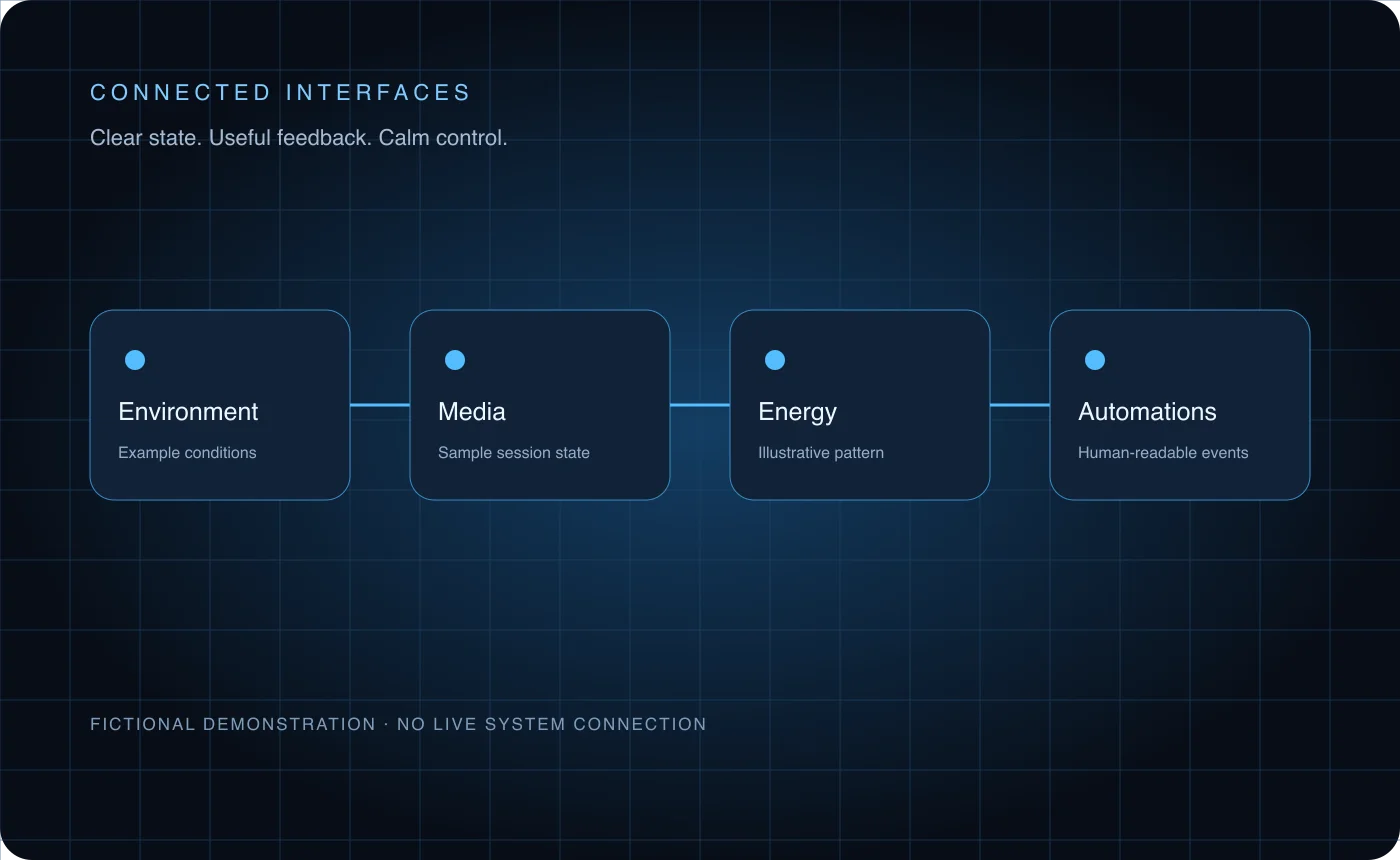
For the portfolio, I recreated the interaction patterns with fictional data. Visitors can explore scenes and comfort controls while the actual household systems, telemetry, location, and device access remain private.
02 / INSIDE THE WORK
Make feedback part of the interface.
Group information and controls around practical tasks, with the current state visible before an action is taken.
Show clear feedback for changes and transitions, and keep the controls readable across screen sizes.
Use a browser-only recreation for the public example so that the interaction can be explored without exposing a live system.
03 / THE CONNECTIONS
A useful example with a clear boundary.
The public demo gives visitors a way to try connected-interface behavior with sample data.
The case study connects the visible interactions to the design choices behind clear state and feedback.
Private operational details and actual device control remain outside the public example.
THE WORK / IN PRACTICE
See it. Hear it. Try it.
Explore the published work and the thinking behind it, at your own pace.
Try the connected home interface
Explore scenes, lighting, and comfort controls with fictional data. This recreation has no connection to a private home or real devices.
Try the recreation